
SPARKLES / All tools
AI image editor and inpainting
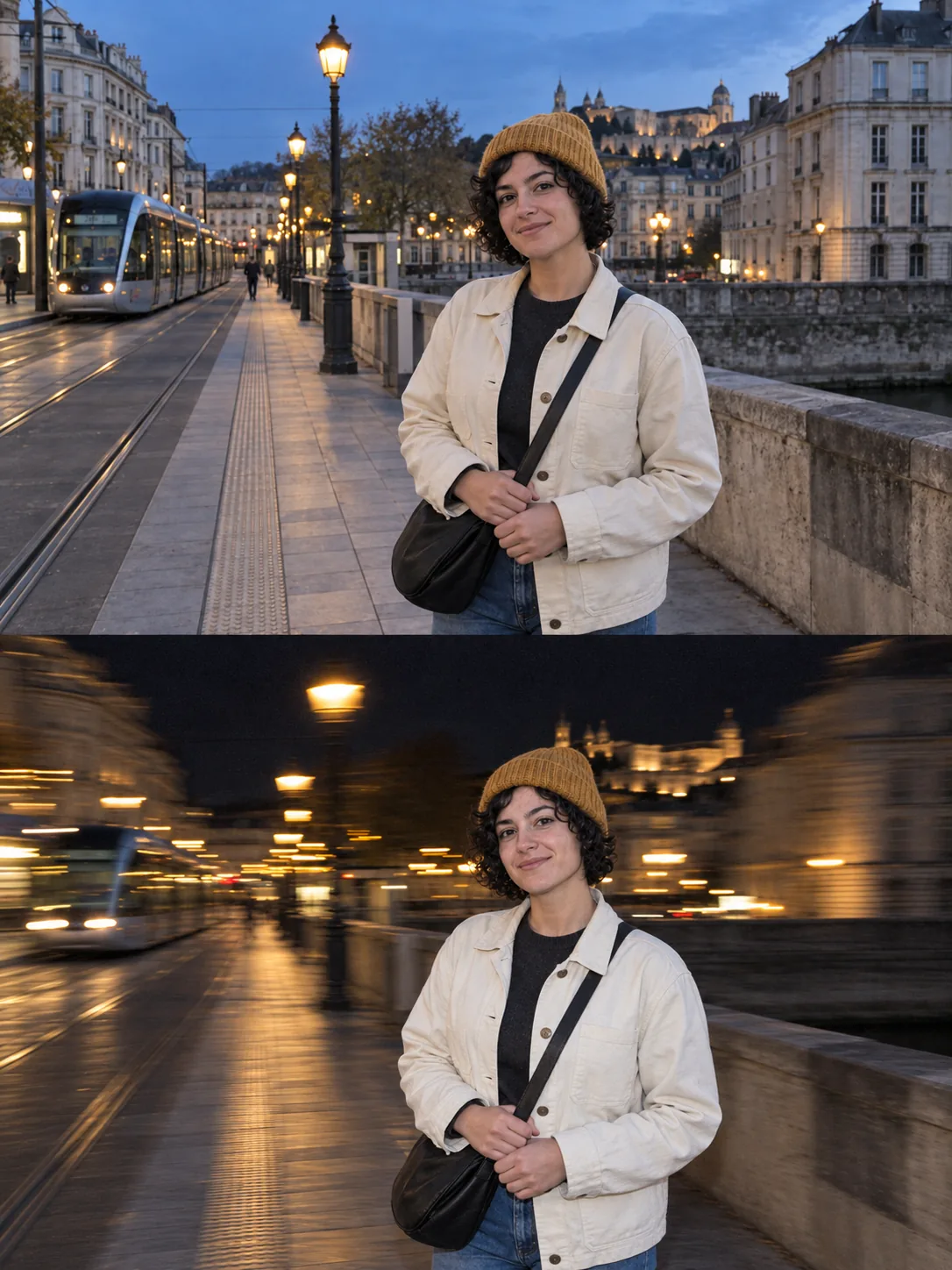
Use a reference image for a new variation, or paint a mask to describe a local change. Tell the model what to replace and what to preserve, then review the new version against the original.
Updated
Open tool
How to use it
Open an image result for editing, or add an image as a reference in the workspace.
For a local edit, paint the affected area and describe the replacement and preserved details.
Generate a version, inspect the boundary and untouched areas, then download the result you prefer.
At a glance
Common questions
When should I use a mask?
Use a mask when the intended change is limited to a specific region. Use references for a broader change in style or composition.
Can I keep several versions?
Yes. Place the original and results on the infinite canvas to compare versions and follow reference connections.